Pass or member code
See what customers can open in Wallet and where earning and rewards are available.
Stamp Me combines a loyalty app with several stamping methods and also describes member codes in Wallet. Compare this with Loylo's Wallet pass and member page around the customer's next visit.
See what customers can open in Wallet and where earning and rewards are available.
Try the selected stamping workflow with your equipment, staff and queue.
Plan replacement of old cards and preservation of earned benefits before switching.
Stamp Me describes customers downloading its app and finding a business or scanning a QR code. It also describes saving a Member Code to Apple Wallet or Google Wallet when the business uses the Stamp Business app. Describing Stamp Me as lacking Wallet support would therefore be misleading.
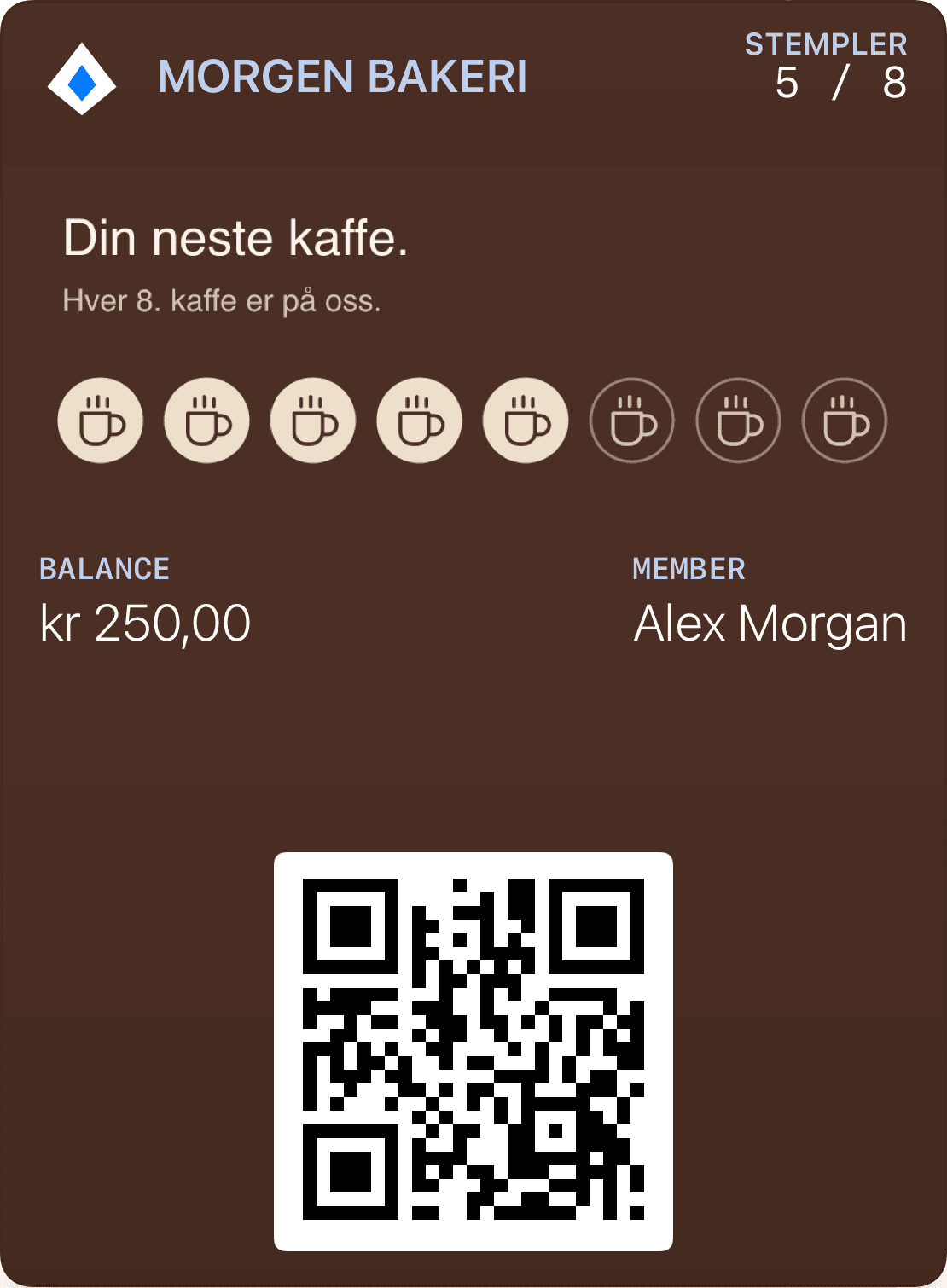
Compare what customers actually receive in Wallet and where they view earning and rewards. Loylo starts with a Wallet membership pass and a browser-based member page. Test both journeys for a returning customer who does not open a separate loyalty app.
Stamp Me describes several stamping methods, including StampPod and staff scanning of member codes. A busy shop should try the selected method physically rather than comparing card screenshots alone.
For Loylo, establish whether staff scan the pass or earning connects to an agreed integration. Include poor connectivity, two employees serving the same customer and correction of an incorrectly awarded stamp in the demonstration.
When switching systems, a completed reward needs different treatment from stamps on the next card. Inventory active customers, progress and unused rewards before deciding how to migrate the data.
Define how customers recognise the replacement card and how redeemed benefits are recorded. Do not promise that an old app account or Wallet code updates into a new pass without checking the actual migration options.
Choose the details you need. The customer registers and receives their membership pass.
Show earned stamps and the next reward: free coffee.
Choose recipients and send a relevant message now, or schedule it for later.
Let customers join on their phones, keep the pass in Wallet and find their benefits on the next visit. Follow up with something relevant to your business.
Choose the details you need. The customer registers and receives their membership pass.
Show earned stamps and the next reward: free coffee.
Choose recipients and send a relevant message now, or schedule it for later.
Yes, Stamp Me describes a Member Code in Apple Wallet and Google Wallet with the Stamp Business app. Examine the distinction between that code and the wider loyalty-app experience.
Customers use a membership pass in Apple Wallet or Google Wallet and a browser-based member page. A separate loyalty app is not required for this journey.
Enrolment, a return visit, redemption and mistake correction. Include a customer with an unused reward from the old programme.
Customer loyalty software for businesses that want loyalty cards, stamps, points, push, email and insights without a customer app.
Gift card software for digital gift cards, gift cards for small business and Apple Wallet gift cards with QR codes, balance and live updates.
Explore Apple Wallet and Google Wallet for loyalty cards, gift cards and tickets. Learn about pass types, QR, updates and integrations with Loylo.
Create digital loyalty cards, customer cards and reward cards in Apple Wallet and Google Wallet. No customer app. Stamps, points, push and campaigns.
Talk to us about a Wallet loyalty program tailored to your business.