QR on the card
Every card can include a QR code staff scan for stamps, points and redemption.
Loylo creates Wallet passes for loyalty cards, stamp cards, customer cards and gift cards. Customers add the card to Apple Wallet or Google Wallet, and staff scan the QR code at each visit.
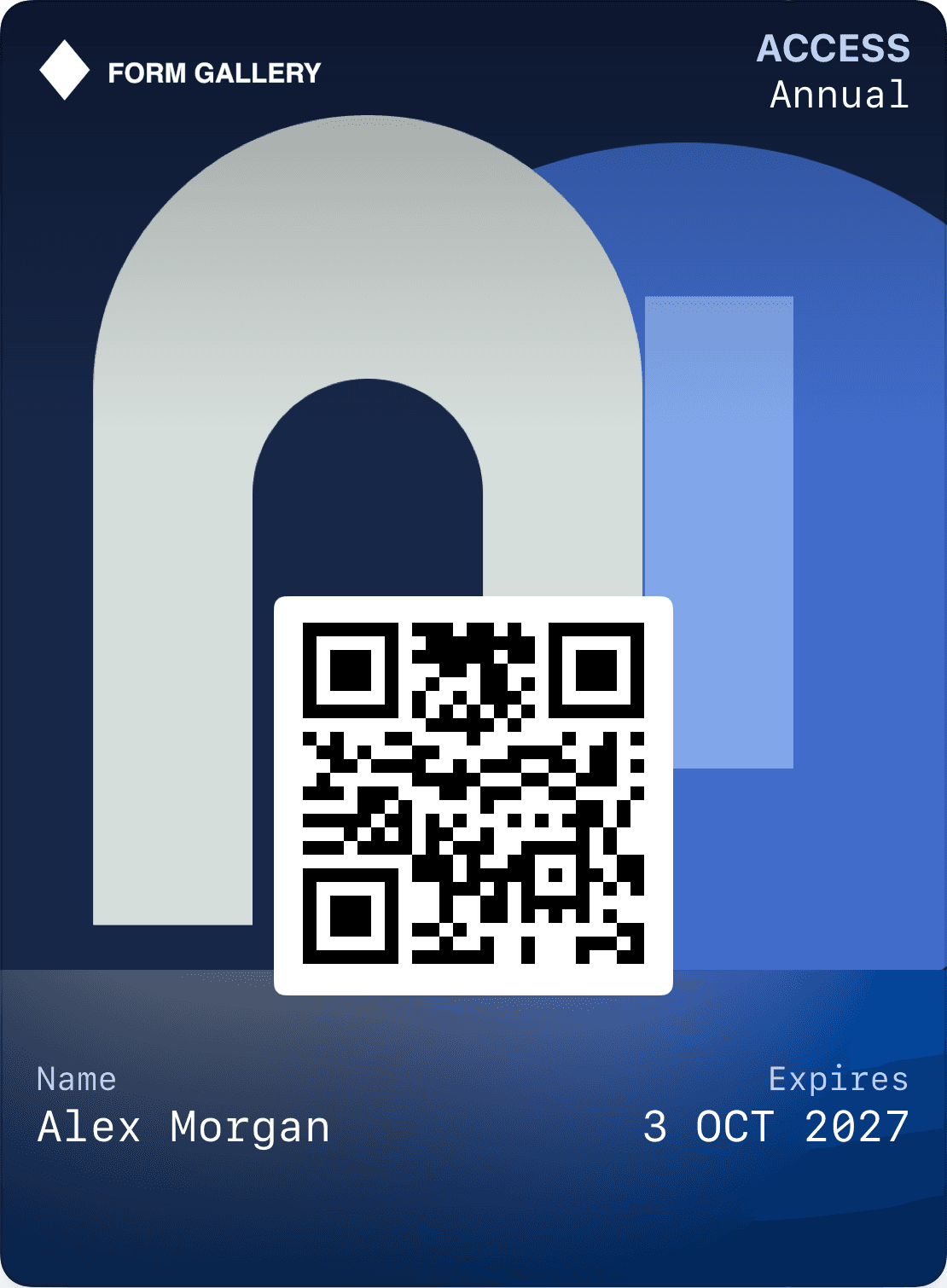
Every card can include a QR code staff scan for stamps, points and redemption.
The card can update with balance, points, stamps, rewards and messages.
Customers use the Wallet app already on their phone.
Wallet supports several kinds of passes: loyalty cards, gift cards, boarding passes and event tickets. Apple provides styles including storeCard, generic, boardingPass and eventTicket. Google has dedicated models for loyalty, gift cards, boarding passes and tickets. The choice affects the data and layout that fit.
Loylo focuses on loyalty programs, stamps, points and gift cards. Our travel and event guides explain other platform capabilities and integration requirements. They do not mean airline or ticketing systems are included with a standard loyalty program.
A pass needs a clear identity, a readable barcode and its most useful fields near the top. Apple and Google control parts of the layout, while devices and software versions can affect presentation. A web preview is a design tool, not proof of identical rendering on every device.
Review both platforms using realistic names, amounts and languages. Check contrast, long fields, scanning and where the customer actually lands after tapping a link. Additional actions must follow the capabilities of the pass type and Wallet version.
Stamps, points and balances should come from recorded events in the system behind the pass. A pass can update after a purchase or redemption, but sending an update signal is not proof that a customer saw a push notification.
QR scanning and contactless NFC are different integrations. Automatic earning at checkout requires linking a purchase to the correct member. Contactless reading additionally needs compatible terminals and platform configuration; adding a barcode to Wallet does not enable it.
Choose the right person, access and validity period.
The recipient saves the pass to Wallet with their access information together.
Use a code and a connected system that can validate access.
Choose what the pass gives access to. Connect identity, validity and checks to the system you use.
Choose the right person, access and validity period.
The recipient saves the pass to Wallet with their access information together.
Use a code and a connected system that can validate access.
A Wallet pass is a digital card in Apple Wallet or Google Wallet, such as a loyalty card, stamp card or gift card.
Yes. Loylo cards can include QR codes for scanning members, rewards and gift cards.
Yes. Loylo supports Apple Wallet on iPhone and Google Wallet on Android.
Gift card software for digital gift cards, gift cards for small business and Apple Wallet gift cards with QR codes, balance and live updates.
Create loyalty cards that live in Apple Wallet and Google Wallet — signed passes that update live. No app for customers. Contact us for a tailored setup.
Plan digital boarding passes with flight details, barcodes and updates. Understand what Wallet displays and what the airline check-in system must validate.
A guide to concert and event tickets in Apple Wallet and Google Wallet: ticket data, scanning, duplicate use, transfers and updates.
Start with Wallet loyalty cards and QR scanning for staff.