Balance on the card
Customers see the gift card value in Wallet, and the balance updates after redemption or top-up.
Loylo lets businesses issue digital gift cards with balance, QR code and live updates in Apple Wallet and Google Wallet. Great for prepaid sales, gifts and local campaigns.
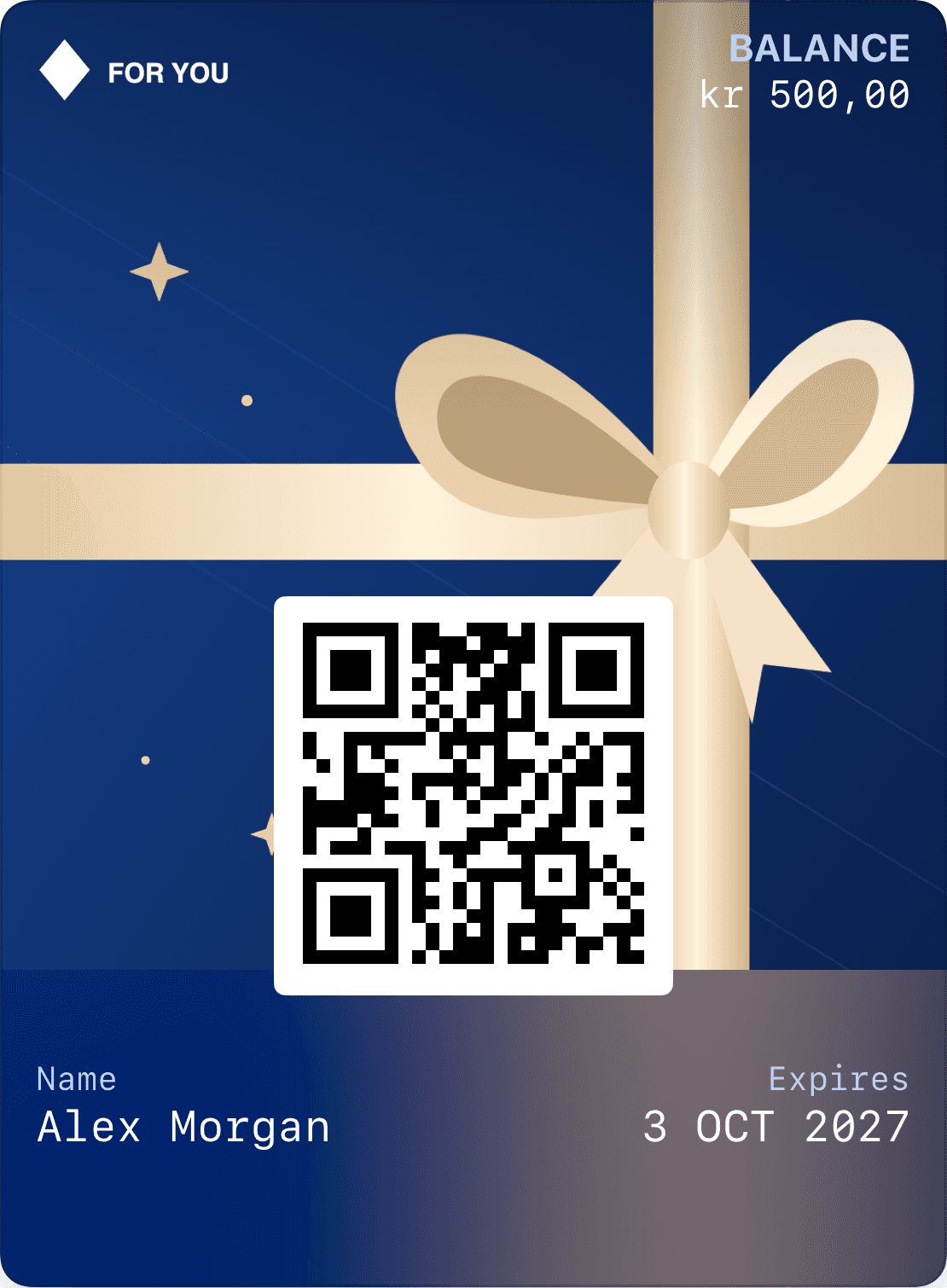
Customers see the gift card value in Wallet, and the balance updates after redemption or top-up.
Staff scan the QR code and subtract the amount directly from the gift card.
Issue gift cards digitally and let the recipient add them to Wallet on their phone.
Gift cards, loyalty, campaigns and analytics live in the same Loylo platform.
Buyers should be able to choose an amount and whether the gift is for themselves or someone else. Recipients need a clear path from email to their own card, with the amount, sender and terms. A personal message can be optional without turning checkout into a long form.
A claim link alone should not grant access to a card holding money. Decide who may take ownership and verify the recipient’s account before linking the card to a profile and enabling Wallet saving. Balances and redemption codes should not appear in public sharing previews.
The Wallet pass displays the remaining balance, while the backend records issuance, redemption and adjustments. Redeeming 125 NOK from a 500 NOK card should leave an authoritative balance of 375 NOK. Repeated scans or requests must not deduct the same redemption twice.
A QR code identifies the gift card. Automated payment or deduction at checkout requires a POS integration; a gift card in Wallet is not itself a bank card in Apple Pay or Google Pay. For manual redemption, staff need to check balance and validity in the system.
Show expiry, currency and remaining balance alongside the recipient and barcode. Validity should match the terms presented at purchase. Administrative changes to the balance or expiry should be recorded so staff can follow what actually changed.
Test Apple Wallet and Google Wallet with realistic amounts and names. Check updated balance and expiry after an adjustment, and ensure the redemption system rejects a blocked or expired card even if an old view remains on a phone.
Keep checkout short, with a clear amount, recipient and terms.
Link the card to the right account before revealing the redemption code and enabling Wallet saving.
Record the redemption in the system and update the remaining balance on the pass.
Give the recipient one path from their gift to their account and Wallet. Plan how the balance will be redeemed and updated at checkout.
The amount, recipient and optional message travel with the gift.
The recipient verifies their email. The gift card belongs to their account and can be saved to Wallet.
Connect redemption to your checkout or adjust the balance in Loylo. The pass shows what remains.
Yes. Loylo can create digital gift cards that save to Apple Wallet and Google Wallet.
Staff scan the QR code and enter the amount to subtract from the balance.
Yes. Gift cards and loyalty cards can be managed in the same platform.
Explore Apple Wallet and Google Wallet for loyalty cards, gift cards and tickets. Learn about pass types, QR, updates and integrations with Loylo.
Create digital loyalty cards, customer cards and reward cards in Apple Wallet and Google Wallet. No customer app. Stamps, points, push and campaigns.
Retail loyalty for clothing stores and shops with cashback, member benefits and Apple Wallet or Google Wallet passes tailored to your existing systems.
Give customers gift cards they actually carry, with live balance and simple scanning.