Your identity
Logo, pass design and email built around your brand.
Turn dinner into a gift customers can keep on their phone. A good restaurant gift card is easy to buy, enjoyable to receive and clear to use when the bill arrives.
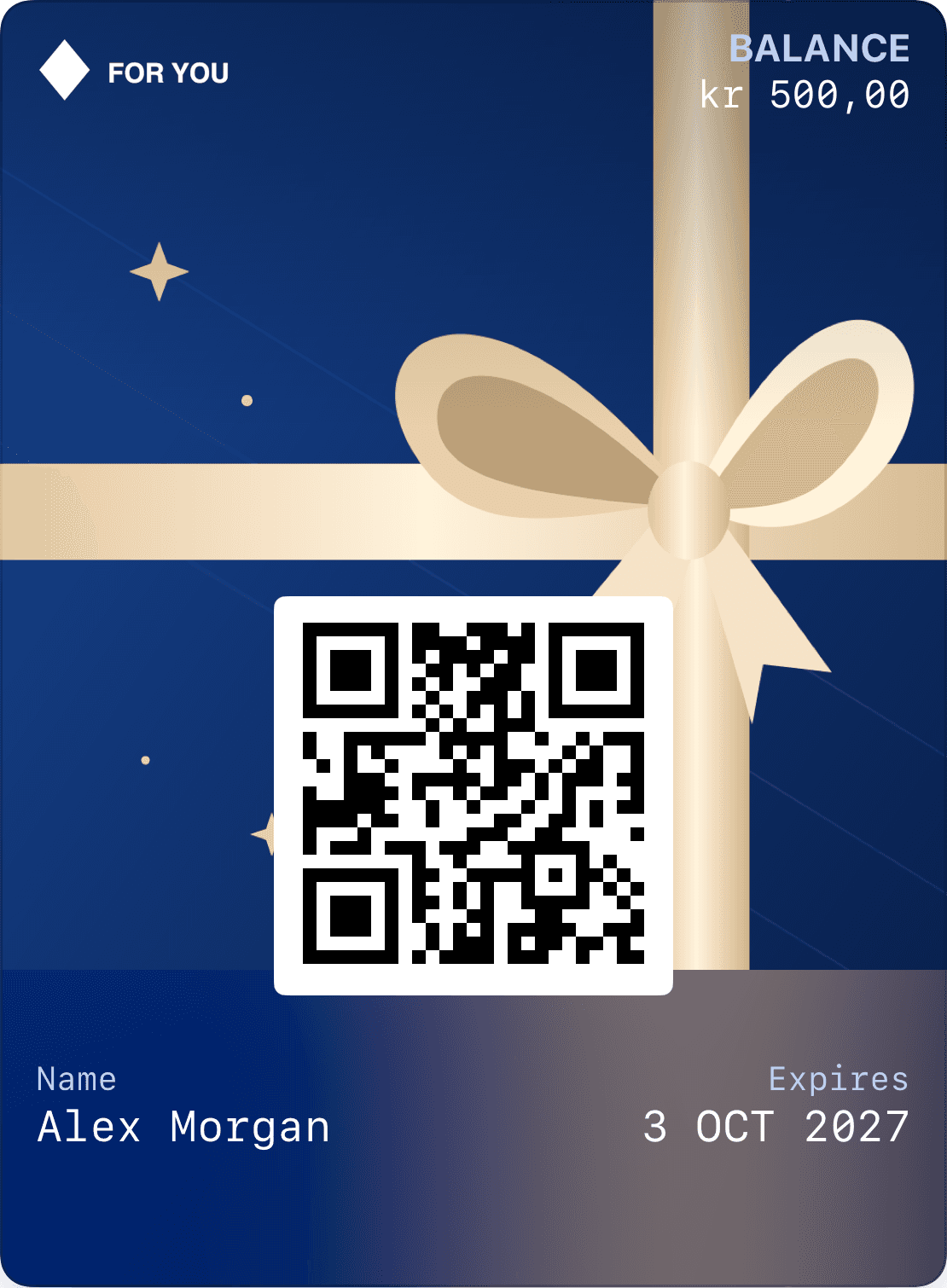
Logo, pass design and email built around your brand.
Verify the recipient and link the gift card to the right account.
Show remaining balance and validity on the pass and in the profile.
Let buyers choose an amount and whether the gift is for themselves or someone else. For another recipient, offer email delivery or a link to share after purchase. An optional greeting adds a personal touch without creating a lengthy form.
The recipient verifies their account before the card is linked to their profile. The pass, balance and expiry then stay together. Membership can use the same profile, avoiding separate accounts for gift cards and loyalty.
Decide how staff handle split payments: for example, a 500 NOK gift card against a 700 NOK bill. The POS must record redemption once, with the remainder paid separately. Wallet displays the result of the transaction.
For several restaurants, define which venues accept the pass, who may correct balances and how refunds work. We review your POS before connecting automated redemption.
Amount, delivery and an optional greeting.
Split payments, venues and POS.
From verification to the new balance and receipt.
Give the recipient one path from their gift to their account and Wallet. Plan how the balance will be redeemed and updated at checkout.
The amount, recipient and optional message travel with the gift.
The recipient verifies their email. The gift card belongs to their account and can be saved to Wallet.
Connect redemption to your checkout or adjust the balance in Loylo. The pass shows what remains.
Yes, the flow can support split payments. Your POS must treat gift card value and other payment methods as parts of one settlement.
You define the participating venues. They need a shared balance ledger so the same value cannot be spent twice.
The code identifies the gift card. The POS or redemption system authorises and records the use of its value.
Gift card software for digital gift cards, gift cards for small business and Apple Wallet gift cards with QR codes, balance and live updates.
Retail gift cards with shared balances, recipient verification, returns, validity and branded Wallet passes.
Plan business gift card delivery with recipient lists, a personal greeting, secure verification and issuance records.
Give a stay, dinner or spa visit with a digital gift card. Plan booking, split payments, remaining balance and the recipient’s Wallet pass.
We’ll work through purchase, receipt, validity and redemption so the setup fits your operations.