Your identity
Logo, pass design and email built around your brand.
Let customers give a choice rather than a specific item. Keep the gift on their phone and plan a shared balance across your shop and online store if you want both channels.
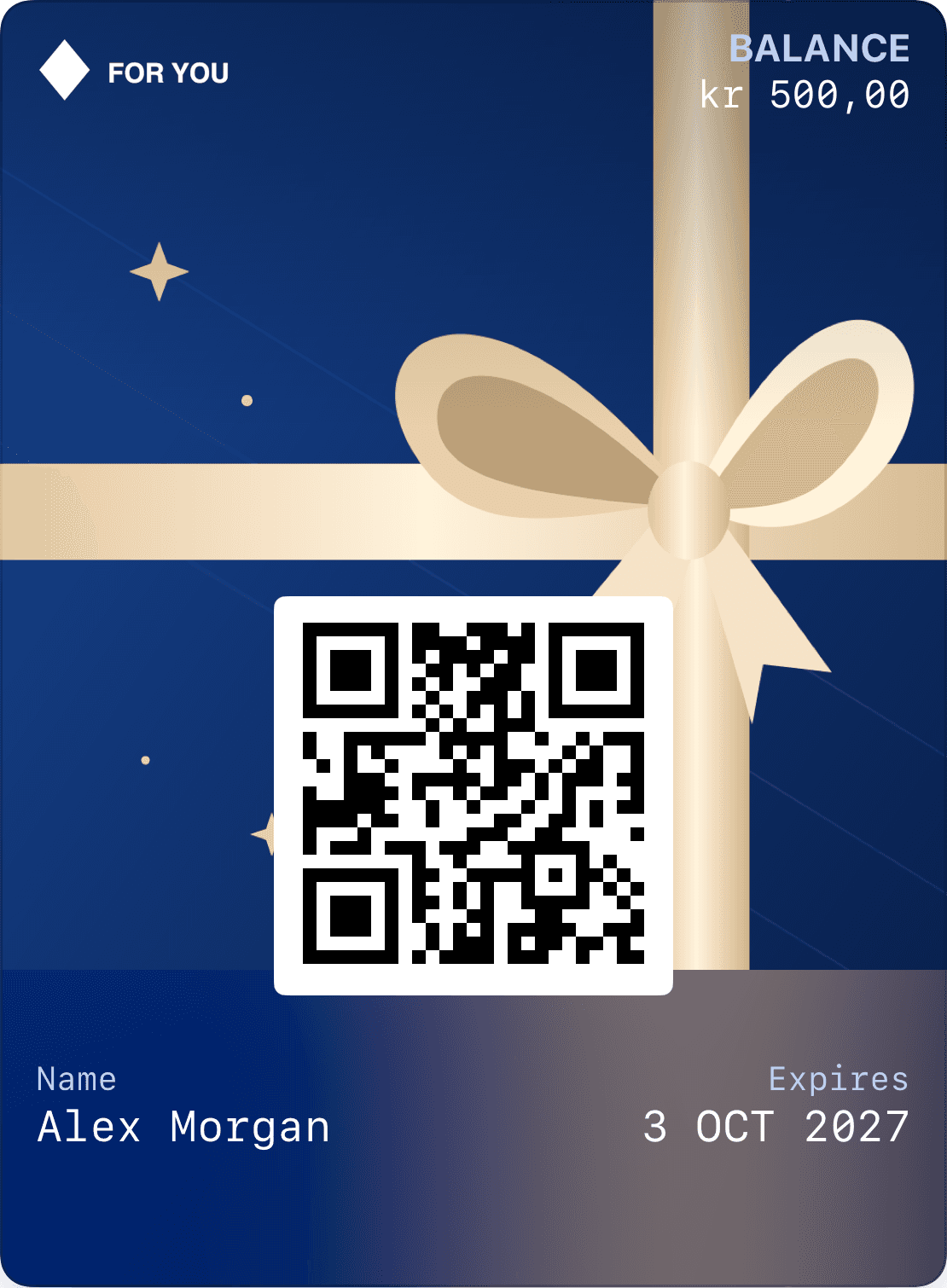
Logo, pass design and email built around your brand.
Verify the recipient and link the gift card to the right account.
Show remaining balance and validity on the pass and in the profile.
A Wallet pass and an online code can identify the same gift card. Both must use one transaction ledger. When part of the value is spent in the shop, the online store must read the new balance before the next purchase.
We review your ecommerce and POS together. An attractive pass does not replace the connection between these systems. You can start with one channel and expand after purchase, redemption and refunds are verified.
Decide whether a return restores value to the original gift card or creates a new card. Staff need clear permissions and traceable adjustments so the balance remains correct.
The background can follow the season without changing the code, value or owner. Keep recipient, remaining balance and expiry readable even in an illustrated holiday design. Display validity before purchase, in the email and on the pass.
Shop, ecommerce and shared balance.
Refunds, permissions and transaction history.
Pass, recipient email and profile.
Give the recipient one path from their gift to their account and Wallet. Plan how the balance will be redeemed and updated at checkout.
The amount, recipient and optional message travel with the gift.
The recipient verifies their email. The gift card belongs to their account and can be saved to Wallet.
Connect redemption to your checkout or adjust the balance in Loylo. The pass shows what remains.
Yes, when both connect to the same balance and redemption system. Test concurrent purchases and refunds before launch.
The redemption system deducts the amount spent and updates the remaining balance on the pass and profile.
Yes, a design update can retain the pass identity and value. We plan the image areas used by each Wallet platform.
Gift card software for digital gift cards, gift cards for small business and Apple Wallet gift cards with QR codes, balance and live updates.
Plan restaurant gift cards with secure receipt, Wallet passes, split payments, remaining balance and POS redemption.
Plan business gift card delivery with recipient lists, a personal greeting, secure verification and issuance records.
Give a stay, dinner or spa visit with a digital gift card. Plan booking, split payments, remaining balance and the recipient’s Wallet pass.
We’ll work through purchase, receipt, validity and redemption so the setup fits your operations.