Your identity
Logo, pass design and email built around your brand.
Thank employees, partners or customers with a gift that is simple to receive. Plan recipients, values and the sender before issuing the passes.
Logo, pass design and email built around your brand.
Verify the recipient and link the gift card to the right account.
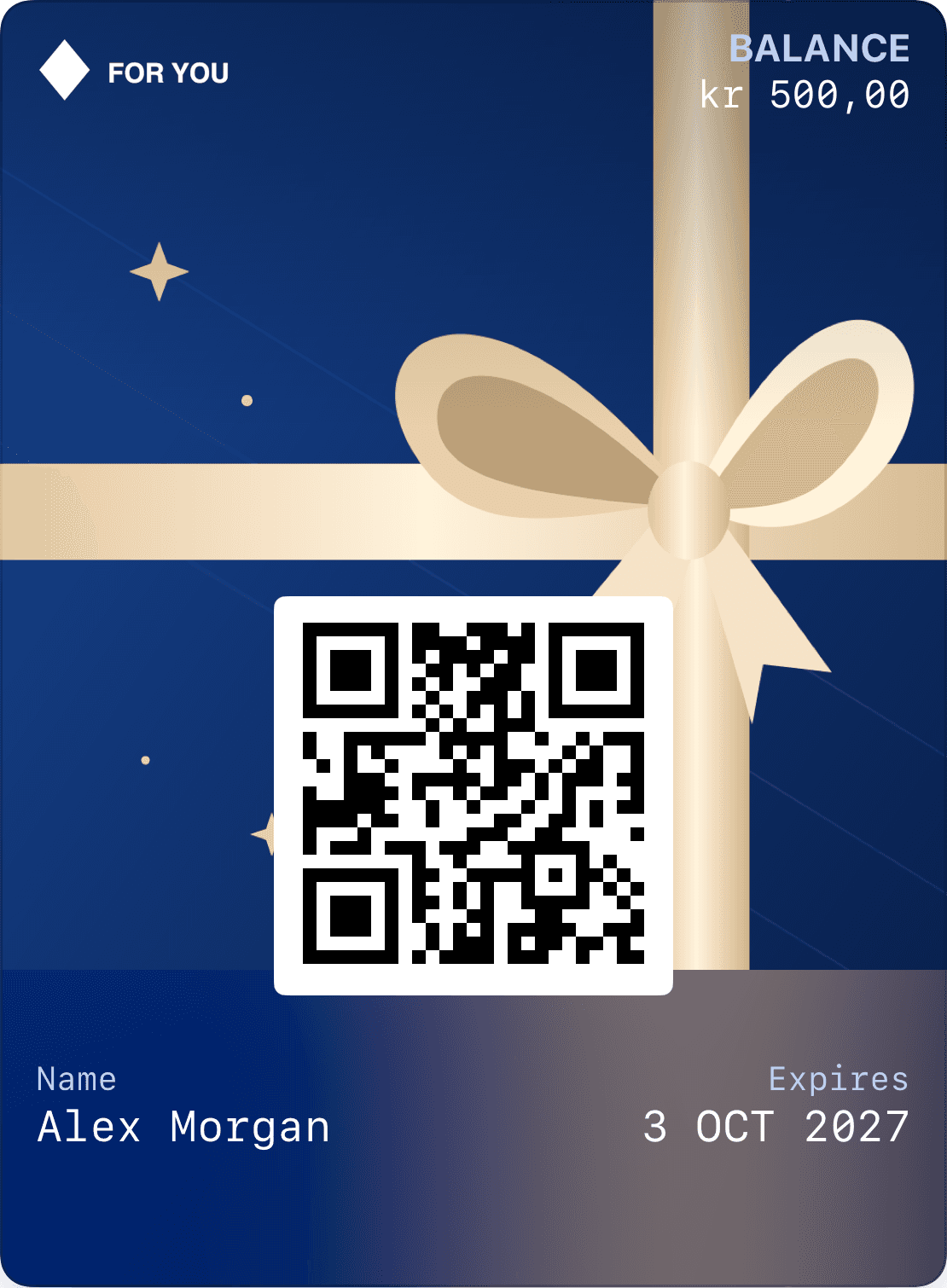
Show remaining balance and validity on the pass and in the profile.
Agree which email addresses receive passes, the value per person and who approves issuance. Check duplicates and addresses before sending. A shared campaign greeting can include each recipient’s name.
The email should clearly identify who the gift is from. Recipients verify their account before the gift card is linked to their profile. Wrong addresses and resends must be handled without issuing duplicate value.
Keep payment, issuance and delivery distinct. An approved payment does not mean every recipient received or claimed their pass. Transaction references and delivery status help your team answer questions.
Choose who can access personal details, correct balances and change validity. Keep a record of changes. We help define the recipient journey and connect the order to the systems you already use.
Recipients, values and sender.
Duplicates, addresses and approval.
Delivery status and verified account linking.
Give the recipient one path from their gift to their account and Wallet. Plan how the balance will be redeemed and updated at checkout.
The amount, recipient and optional message travel with the gift.
The recipient verifies their email. The gift card belongs to their account and can be saved to Wallet.
Connect redemption to your checkout or adjust the balance in Loylo. The pass shows what remains.
Yes, the email can show your company name and a shared greeting. When the merchant issues the card directly, that should be made clear.
Check delivery status and correct the recipient through a controlled process. Do not issue new value just to resend an email.
They use the verified profile page and can add their linked pass to Apple Wallet or Google Wallet.
Gift card software for digital gift cards, gift cards for small business and Apple Wallet gift cards with QR codes, balance and live updates.
Plan restaurant gift cards with secure receipt, Wallet passes, split payments, remaining balance and POS redemption.
Retail gift cards with shared balances, recipient verification, returns, validity and branded Wallet passes.
Give a stay, dinner or spa visit with a digital gift card. Plan booking, split payments, remaining balance and the recipient’s Wallet pass.
We’ll work through purchase, receipt, validity and redemption so the setup fits your operations.