Dates in one place
Make it clear whether a pass covers one day or the whole festival. Dates and category should be easy to read in the queue.
A festival pass needs to do more than show a QR code. Valid days, camping, zones and re-entry need clear rules. This guide explains how the pass and the system at the gate can work together.
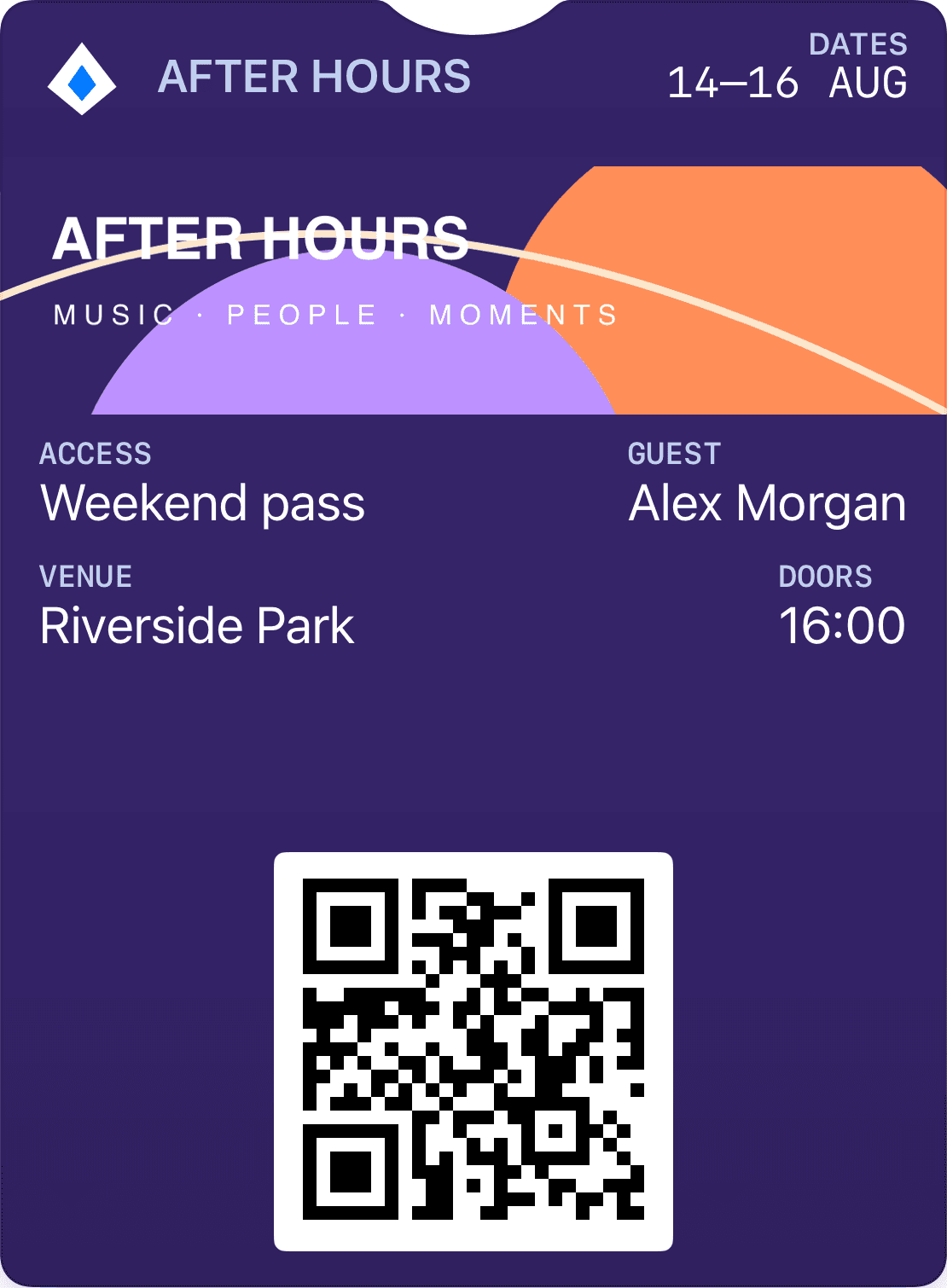
Make it clear whether a pass covers one day or the whole festival. Dates and category should be easy to read in the queue.
Separate festival admission, camping and additional zones. Security staff need the same rules guests see on the pass.
Batteries run out, networks fail and wristbands go missing. Plan how staff can find and verify the correct ticket.
A festival pass can be presented as an event ticket in Wallet. The key decision is how the ticketing system describes entitlement: valid dates, access zones and add-ons. One pass can show the whole picture, but validation at each gate must know the specific rules.
Avoid a single used status for every visit if guests need access on several days. Instead, describe what each scan means: first admission, wristband collection, exit or re-entry. A day ticket must not acquire weekend access through an incidental update to the pass.
If you use wristbands, the Wallet ticket can be the basis for collecting one on first arrival. The ticketing system should record that the wristband has been issued and link it to the right ticket. Later admission can then use the wristband under the festival’s rules.
A Wallet pass does not automatically become a contactless wristband or payment account. NFC needs compatible equipment and a separate integration. If the festival offers a food and drink balance, funds and admission rights should remain separate in the system even when customers see them in the same experience.
Prepare concrete tests before opening the gates: the same code at two entrances, a guest arriving on the wrong day, a camping add-on without festival admission and a refunded ticket being presented. The validation system needs to give clear answers staff can act on.
Offline reading needs a plan for downloaded data, update timing and simultaneous scans when devices synchronise. A guest’s Wallet pass can be accessible while gate systems have stale data. Decide which risks are acceptable and provide staffed support for exceptions.
Describe day tickets, weekend passes, camping and add-ons, with clear re-entry rules.
Use an individual reference the gate can validate, and agree how wristbands are issued if applicable.
Test concurrent readers, incorrect dates, transfers, refunds and network failures with staff.
Let the ticketing system handle orders and validity. Wallet makes the ticket easy to find when your guest arrives.
Connect the ticket to the right event, date and admission type.
Send a link that lets the guest save their ticket to Wallet.
Scan the code against the ticketing system. It decides whether the ticket is valid and already used.
A pass can display several valid dates. The ticketing system must define and validate admission for each day, including re-entry and zones.
That depends on admission rules, readers and gate operations. Wallet may provide first admission or subsequent scanning, but wristbands and contactless access need separate planning.
No. Admission and payment are different entitlements. A festival balance needs payment and settlement services; it does not exist just because a ticket is saved in Wallet.
A guide to concert and event tickets in Apple Wallet and Google Wallet: ticket data, scanning, duplicate use, transfers and updates.
Explore Apple Wallet and Google Wallet for loyalty cards, gift cards and tickets. Learn about pass types, QR, updates and integrations with Loylo.
Gift card software for digital gift cards, gift cards for small business and Apple Wallet gift cards with QR codes, balance and live updates.
Tell us what issues the ticket, who will use it and how it will be validated. We can discuss the integration before you build.