Pass type first
Establish whether the project concerns membership, gifts or another pass type with its own workflows.
PassKit is a broad Wallet platform with multiple pass types and developer tools. Compare options around pass issuance, daily member operations and connections to the systems you already use.
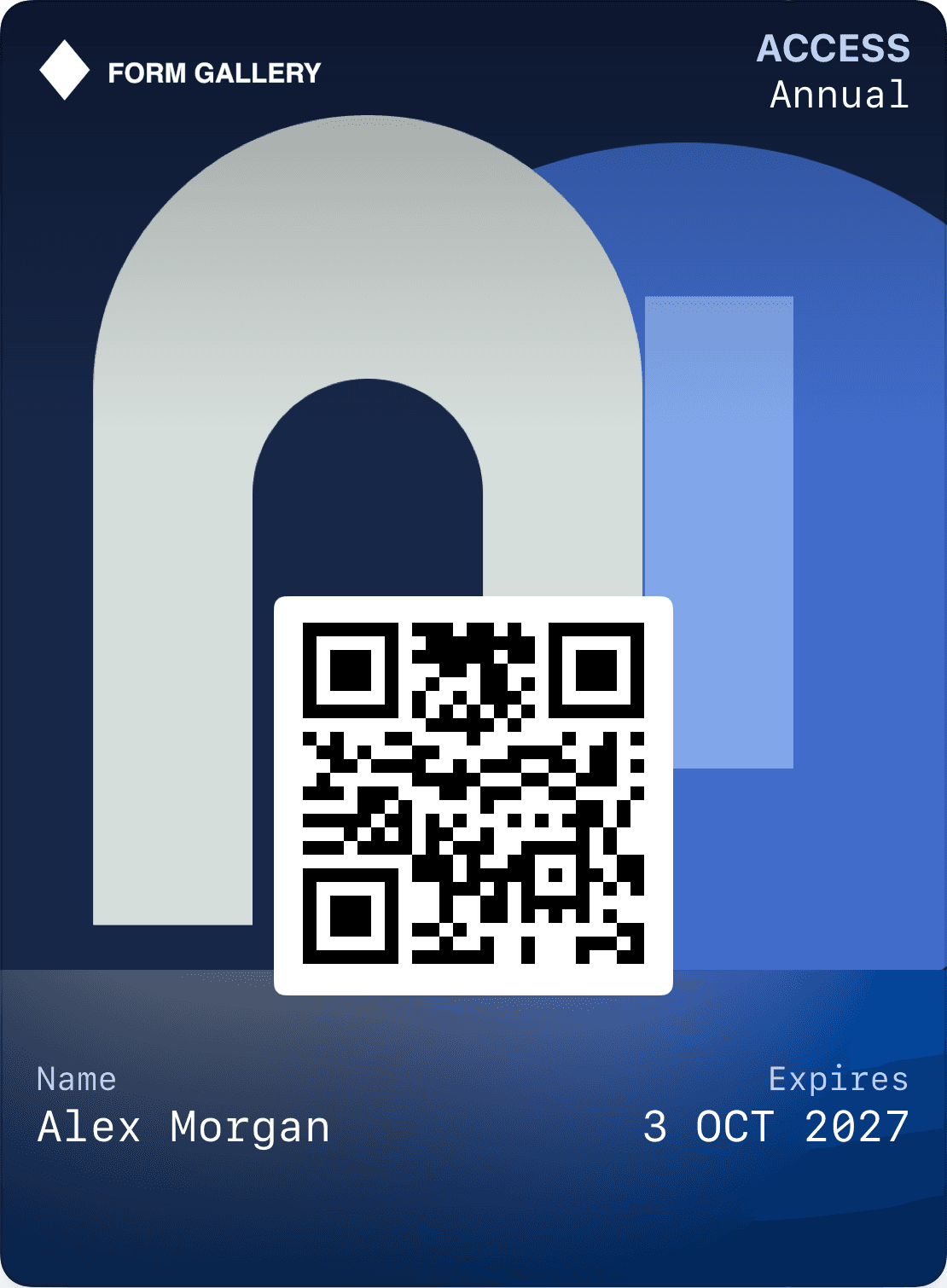
Establish whether the project concerns membership, gifts or another pass type with its own workflows.
Evaluate daily administration alongside the team's responsibility for APIs and integrations.
Try the same pass in Apple Wallet and Google Wallet, including changes after saving it.
PassKit describes an Apple Wallet and Google Wallet platform covering membership, loyalty, gift cards, tickets and boarding passes. It is a broad Wallet product, not merely a QR-code generator. Wallet support alone therefore does not distinguish Loylo from PassKit.
PassKit also describes design, distribution, updates, messaging and developer tools. Compare the whole task: who designs the pass, who issues it and who helps a customer correct earning or a balance?
A team embedding pass issuance in an existing system should examine APIs, webhooks, authentication and events. A team operating a customer club should also try member search, staff permissions and campaigns. Both needs can exist in one project.
Consider Loylo for a managed membership and Wallet experience with a setup agreed for your business. Specify integrations and pass types explicitly. Do not assume every possible ticketing or airline workflow is included in a standard loyalty setup.
Customer records, pass identifiers and issuer credentials are separate migration concerns. Importing a member number is not enough to take over updates to a pass already saved by the customer. Map issuance and update ownership before promising a seamless transition.
Test a representative pass type on both Wallet platforms, including updates and redemption. A design preview and a delivered phone notification provide different evidence; both can matter when evaluating a provider.
Choose the right person, access and validity period.
The recipient saves the pass to Wallet with their access information together.
Use a code and a connected system that can validate access.
Choose what the pass gives access to. Connect identity, validity and checks to the system you use.
Choose the right person, access and validity period.
The recipient saves the pass to Wallet with their access information together.
Use a code and a connected system that can validate access.
Yes. PassKit describes both platforms and multiple pass types. Needing Wallet support alone is not a reason to choose Loylo.
Your pass journey, staff administration, integrations and operational ownership. Ask both providers to demonstrate your actual tasks.
Check pass identifiers, issuer setup and update access. Importing data alone does not take over existing Wallet passes.
Customer loyalty software for businesses that want loyalty cards, stamps, points, push, email and insights without a customer app.
Gift card software for digital gift cards, gift cards for small business and Apple Wallet gift cards with QR codes, balance and live updates.
Explore Apple Wallet and Google Wallet for loyalty cards, gift cards and tickets. Learn about pass types, QR, updates and integrations with Loylo.
Create digital loyalty cards, customer cards and reward cards in Apple Wallet and Google Wallet. No customer app. Stamps, points, push and campaigns.
Talk to us about a Wallet loyalty program tailored to your business.